
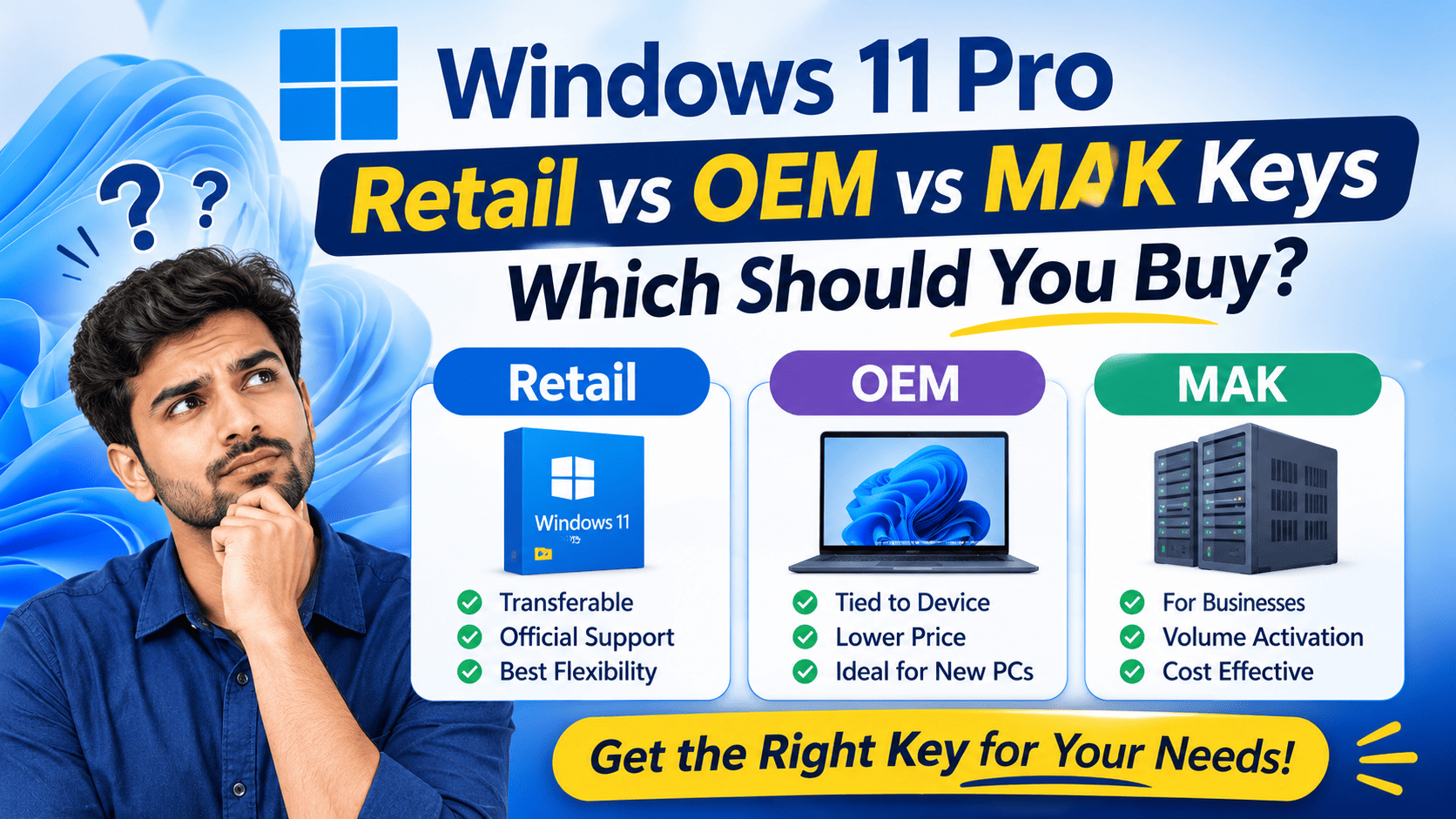
Buy a retail key if you want to be able to move Windows 11 Pro to a new PC later. Buy an OEM key only for a PC the license will stay with. MAK and KMS keys are volume licenses for organizations that deploy many PCs under a Microsoft volume licensing agreement, so most individual buyers should not choose them.
The key type decides three things: whether you can move the license to another PC, how Windows activates, and who the license is meant for. Here is how the four types compare.
| Retail | OEM | MAK (volume) | KMS (volume) | |
|---|---|---|---|---|
| Who it is for | Individuals and small businesses who may change PCs | One PC that stays put; system builders; PCs sold with Windows preinstalled | Organizations with a volume licensing agreement | Larger organizations with their own network |
| Move to another PC? | Yes, if you remove it from the old PC | No, tied to the device | Set by the volume agreement | Not applicable, activation depends on the organization’s KMS host |
| How it activates | Online with Microsoft | Online with Microsoft | Directly with Microsoft, online or by phone, using a limited number of activations | Against the organization’s own KMS host, renewed every 180 days |
| Needs a server? | No | No | No | Yes, a KMS host and at least 25 client computers |
| Typical price | Higher | Lower | Set by the agreement | Set by the agreement |
The sections below explain each type in plain terms.
What is a retail Windows 11 Pro key?
A retail key goes with a stand-alone copy of Windows that you buy separately from a PC, from Microsoft or a reseller. Under Microsoft’s Windows 11 retail license terms, stand-alone software can be transferred to another device that belongs to you, as long as you remove it from the previous device. You cannot transfer it just to share one license between two devices, so it covers one PC at a time.
Advantages
- You can move it to a new PC when you replace your computer or rebuild it
- You can link the license to a Microsoft account, which makes reactivation easier after a hardware change
- The license belongs to you, not to the PC it was first installed on
Drawbacks
- It usually costs more than an OEM key
Best for: people who upgrade or replace PCs often, freelancers, small businesses and anyone who wants flexibility.
Rules for passing a license on to another person differ by country, so check the terms that apply where you live.
What is an OEM Windows 11 Pro key?
OEM stands for original equipment manufacturer. An OEM license is the one that comes with a PC from a maker such as Dell or Lenovo, or a system builder key sold for a PC built to be used with it. Microsoft’s OEM license terms are an agreement between you and the device manufacturer or software installer, not Microsoft. The license is tied to the device it is installed on. If the PC is passed to another person, the license can go with it, but it cannot be moved to a different PC.
Advantages
- Usually cheaper than a retail key
- Works the same as retail day to day: same features, same updates
Drawbacks
- Tied to the first device, so it cannot move to a new PC
- After a major hardware change, such as replacing the motherboard, Windows may no longer find a matching license. Microsoft says a new license may be needed if Windows came preinstalled
- Support comes from the device maker or installer, not Microsoft
Best for: a PC you build or buy once and keep until it is retired, and system builders setting up PCs for customers.
If a seller calls an OEM key “retail”, or will not say which type it is, treat that as a red flag.
What are MAK and KMS keys?
MAK and KMS are volume activation methods for organizations that buy Windows through a Microsoft volume licensing agreement. According to Microsoft’s documentation, organizations download these keys from the Volume Licensing Service Center.
MAK: Multiple Activation Key
A MAK works like a retail key, except that one MAK can activate several PCs. Each MAK can be used a fixed number of times, and each PC activates directly with Microsoft, online or by phone. Once a PC is activated, it does not need to renew. Microsoft describes MAK as common in small and mid-sized organizations that have a volume agreement but are too small to run KMS.
KMS: Key Management Service
With KMS, PCs activate against a KMS host on the organization’s own network instead of contacting Microsoft each time. Activation lasts 180 days, and PCs try to renew every 7 days. Microsoft says KMS needs at least 25 Windows client computers before it will activate them. A KMS client key cannot activate a PC on its own, because it relies on that host.
Before you buy a MAK key
- Volume licenses come with their own terms. They are granted under an organization’s agreement with Microsoft, and those terms often limit resale and transfer. Rules vary by country, and Microsoft publishes them in its Product Terms.
- Check the edition. Make sure the key activates Windows 11 Pro, not another edition.
- Check the activation limit. A MAK works only a set number of times. Once the count is used up, further PCs cannot activate.
- Ask for proof. A seller should be able to tell you where the license comes from.
- Businesses should check compliance. If you are deploying PCs for a company, confirm your licensing with Microsoft or an authorized licensing partner.
Which key should you buy?
Match the key to how you will actually use the PC.
| Your situation | Choose | Why |
|---|---|---|
| You may upgrade, rebuild or replace the PC within a few years | Retail | You can move the license to the next PC |
| One PC that you will keep until it is retired | OEM or retail | OEM costs less, retail costs more but keeps your options open |
| Freelancer or small business with a handful of PCs | Retail, one key per PC | Flexibility when staff or hardware change |
| You build PCs for customers | OEM (system builder) | Each license stays with the PC it is sold with |
| A company deploying 25 or more PCs on its own network under a Microsoft agreement | KMS | PCs activate against your own KMS host |
| A company with a volume agreement and fewer PCs, or PCs off the main network | MAK | Direct activation with Microsoft, no server needed. If you need Windows 11 Enterprise, see our Windows 11 Enterprise MAK key and read the terms above first |
| You are not sure | Retail | It is the safest choice if your plans might change |
How to tell which type of key you have
Windows can tell you which channel your installed key belongs to.
- Right-click the Start button and open Terminal (Admin).
- Type the following command and press Enter:
slmgr /dlv- A window opens. Read the Description and Product Key Channel lines.
| What you see | What it means |
|---|---|
| RETAIL | Retail key |
| OEM (for example OEM_DM) | OEM key |
| VOLUME_MAK | MAK volume key |
| VOLUME_KMSCLIENT | KMS client key |
The exact wording varies slightly between Windows builds, and Microsoft’s own support community uses the same check to tell OEM and retail licenses apart. This shows the type of the key installed on that PC. It does not tell you where the key was bought.
A “digital license” is not a fourth type. It is the way Windows records activation on Microsoft’s servers, and it can come from a retail, OEM or volume key.
How to buy a Windows 11 Pro key safely
Key type is the first thing to confirm with any seller, because it decides whether the license can ever move to another PC. Ask these five questions before you pay:
- Is this key retail, OEM or volume (MAK or KMS)?
- Is it for Windows 11 Pro, and for how many PCs?
- What happens if the key does not activate, and for how long is the replacement or refund offered?
- Where does the license come from? A volume key in particular should come with a clear answer.
- How can I reach support, and who answers?
Red flags
- The seller will not say which type the key is, or calls an OEM key “retail”
- The price is far below Microsoft’s own price and nothing explains why
- There is no replacement policy, or no way to contact the seller
- The key is described as shareable or usable on “unlimited” PCs. Microsoft says a key used on several devices can be marked invalid
- You are asked to download an “activator” or to turn off your antivirus. That is a crack, not a license
To see how Microsoft treats keys that are used on more than one device, read its page Get help with Windows activation errors.
Frequently asked questions
What is the difference between a retail and an OEM Windows 11 Pro key?
The features are the same. The difference is the license rights. A retail license can be moved to another PC of yours if you remove it from the old one. An OEM license stays with the device it was installed on. OEM keys usually cost less.
Can I transfer an OEM Windows 11 Pro key to a new PC?
No. An OEM license is tied to the device it was first installed on. If you pass the whole PC to another person, the license can go with it.
What does MAK stand for, and can I use a MAK key on a home PC?
MAK stands for Multiple Activation Key. It is meant for organizations with a Microsoft volume licensing agreement, and it works only a set number of times. Volume licenses come with their own terms, so if you are an individual, a retail key is the simpler choice.
What is the difference between MAK and KMS?
A MAK activates each PC directly with Microsoft, and the PC then stays activated. KMS activates PCs against a server on the organization’s own network, renews every 180 days, and needs at least 25 Windows client computers.
Is a retail key better than an OEM key?
Not for features or updates. Retail is better if you want to move Windows to another PC later. OEM is fine if the license will stay with one PC.
Will upgrading my PC break an OEM license?
Small upgrades such as more memory or a new drive normally do not. Microsoft says significant changes, such as replacing the motherboard, can stop Windows from finding a matching license, and a new license may be needed.
Choose the key that fits your plans
If you want the flexibility to move Windows to a new PC, a retail key is the safe choice. Our Windows 11 Pro license key page states the license type, delivery time and replacement terms, so you know what you are buying before you pay.
Sources: checked against Microsoft’s documentation on 9 November 2026. Licensing terms change, so confirm the terms that apply to your copy.